
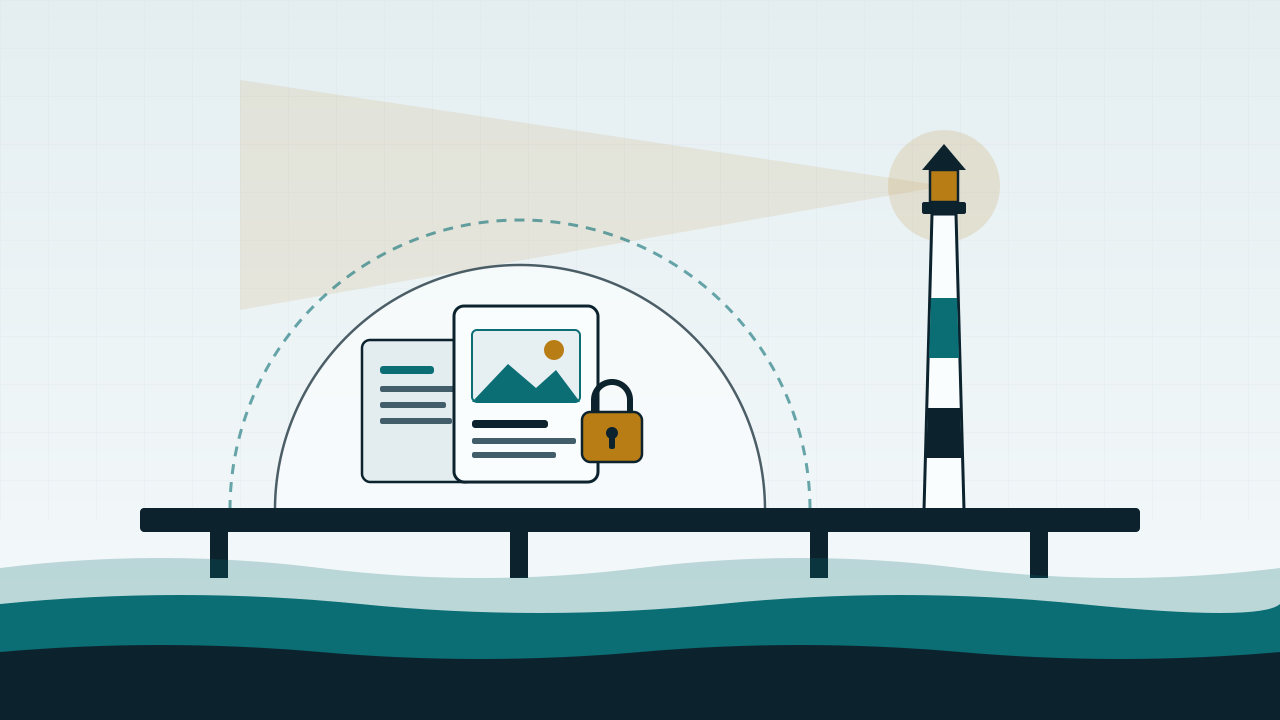
How local file processing works
When you drop or select a file on any of FormatFerry's 50 converter pages, your browser reads the file directly from local disk into isolated tab memory via standard Web APIs (FileReader, HTML5 Canvas, Web Audio API, DOMParser, and W3C Compression Streams). Converted outputs are created as local in-memory Blobs and saved straight back to your Downloads folder.
When you close or refresh the browser tab, your browser immediately releases all file memory. FormatFerry's servers never receive your file contents, filenames, EXIF metadata, or output bytes.
Data transparency breakdown
| Category | What FormatFerry does | Leaves your device? |
|---|---|---|
| Selected & dropped files | Processed strictly in local browser RAM | Never (0 bytes uploaded) |
| Pasted text, CSV, JSON, or .env secrets | Transformed locally via pure JavaScript | Never |
| Converted previews & downloads | Generated as local browser Object URLs | Never |
| Advertising & behavioral tracking cookies | None set by FormatFerry | Not applicable |
| Optional contact form messages | Submitted only when you click Send on contact.html (protected by Cloudflare Turnstile) | Sent directly to FormatFerry's inbox |
| Static site assets (HTML, CSS, JS, fonts) | Loaded once from static hosting/CDN to render the page | Standard web page fetch only |
Verify zero uploads yourself in 15 seconds
You do not have to take our word for it. Open any FormatFerry converter, press F12 to open your browser's Developer Tools, switch to the Network tab, and convert a file. You will see zero outgoing requests. You can also switch your device to Airplane Mode after the page loads and convert files completely offline.
Compliance for regulated & confidential work
Because FormatFerry never transmits, processes, or stores user files on remote infrastructure, there is no third-party data processor handling your documents under GDPR, UK GDPR, HIPAA, or corporate NDA policies. Legal contracts, medical scans, payroll spreadsheets, passport photos, and production .env configurations remain exclusively on the machine you already control.
Questions or security disclosures
If you spot a bug, have a privacy question, or want to report a security concern, reach us directly through our Contact page or email security@formatferry.com.